


Connectors (Beta) let Penny and your agents use your other tools: look people up in a lead database, read your CRM or docs, search the web. Anything that would change data in another tool waits for your approval.
Connectors are different from the CRM sync on the Apps tab. HubSpot and Pipedrive sync keeps working as described in HubSpot and Pipedrive.
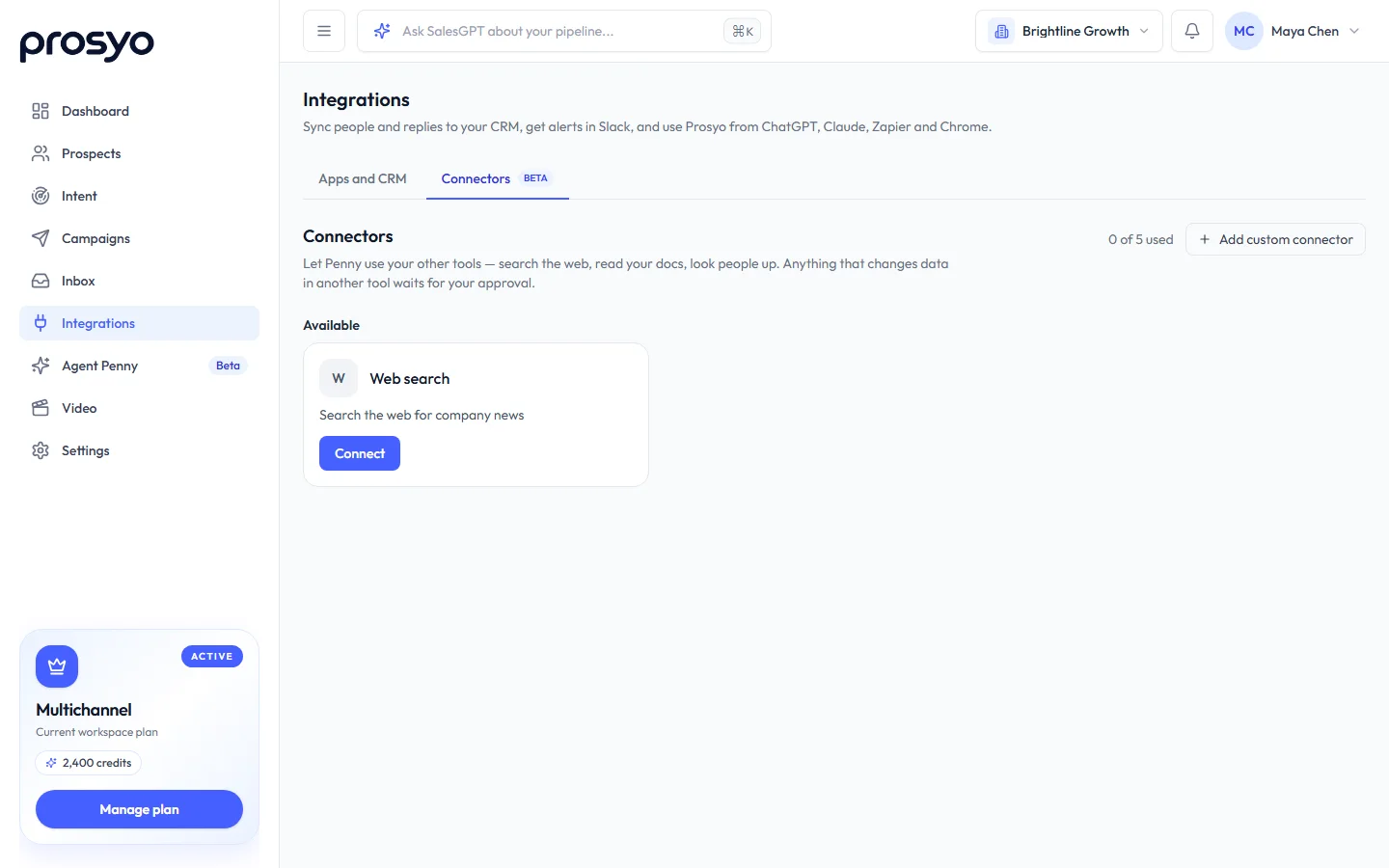
Connect a tool#
- Go to Integrations → Connectors.
- Search or filter by category (lead data, CRM, research, meetings, docs…), and pick a tool, for example Apollo, ZoomInfo, Clay, Hunter, Apify, Bright Data, Attio, Close, Gong, Notion, Airtable, Linear, Exa, Tavily, Firecrawl, Fireflies, Granola, Cal.com, Canva, Webflow, monday.com, Intercom, Stripe or Zapier.
- Click Connect. Most tools ask you to sign in and allow access; some ask for an API key from that tool's settings. Keys are stored encrypted and never shown again.
- When it says Connected, open Manage to see the tool's actions. Each one is marked Reads or Changes data, and you can turn any of them off.
Owners and admins on Penny plans can also add a custom connector. Only connect services you trust.
- MCP server: paste its address. Sign-in or an API key works as for directory tools.
- REST API: paste the address of its OpenAPI (Swagger) description and the API's base address, and the key if it needs one. Prosyo turns each endpoint into an action Penny can use: endpoints that only read run straight away, anything that changes data waits for your approval. To send the key as a query parameter instead of a header, type the header as
query:and the parameter name, for examplequery:api_key.
Build or submit a connector#
Made a connector for your own product or a tool others use? At the bottom of Connectors, click Submit a connector with its name, address and a short description. Prosyo reviews it before it appears in everyone's directory. Until then you can add it as a custom connector.
Use it#
Ask Penny as usual, or type @ in the chat to use only chosen tools for one message: “@Apollo find the VP Sales at Kestrel Freight.” Penny names the tool it used (“Used Notion”). A change, like creating a record in your CRM, appears as a card you approve.
Agents use the connectors you tick on the agent's setup page.
When a tool disconnects#
If a tool's sign-in expires, it shows Needs reconnecting and members get one notice a day. Click Reconnect. Disconnect removes the stored sign-in, and Penny stops using that tool.
Your plan sets how many connectors you can use: 5 on Penny Agents, 10 on Penny SDR, 25 on Penny SDR All-in.










