


Knowledge is where you give Penny and your agents your deck, pricing, case studies and website, so answers and messages use your own facts instead of guesses. Penny says which source an answer came from.
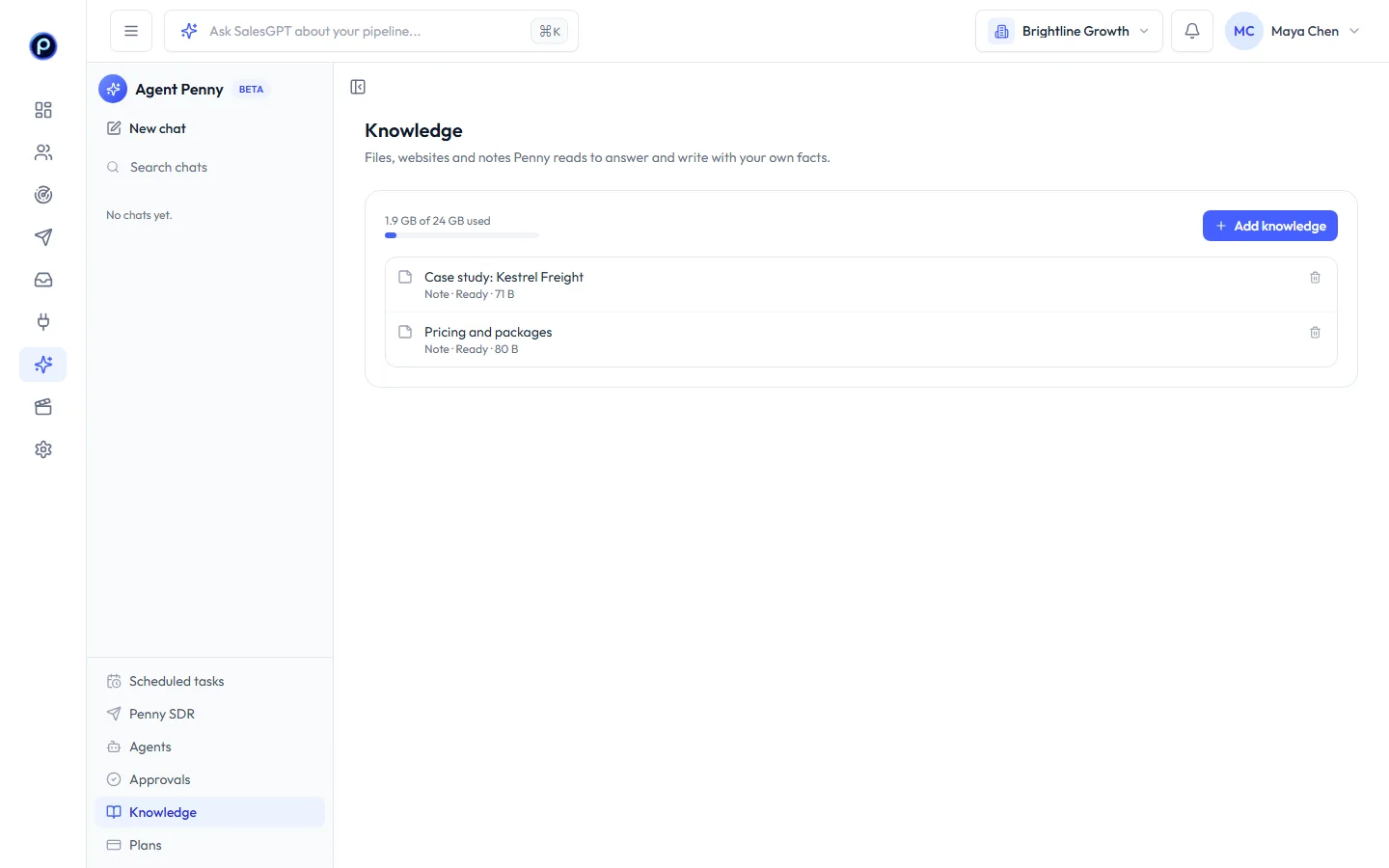
Add a source#
Go to Agent Penny → Knowledge and choose:
| Source | What to add | Credits |
|---|---|---|
| File | PDF, Word, PowerPoint, Excel, CSV, text or Markdown, up to 25 MB each | 1 credit per 50 pages or per MB (at least 1), once per file |
| Website | Your site's address. Penny reads up to 50 pages of the same site and reads it again every week | 1 credit per 50 pages; unchanged pages are free |
| Note | Anything you'd tell a new teammate: positioning, objections, pricing rules | Free |
Each source shows Waiting, Reading…, Ready or Couldn't read with the reason (for example, a scanned PDF with no text). You can also add a file from the paperclip in a Penny chat.
Best messages is added for you: messages that got a positive reply, with names and emails removed, updated every night.
Use it#
Just ask. Penny searches Knowledge when a question needs your facts, for example “What do we charge for Agency / Team?” or “Write a follow-up that mentions the Kestrel Freight case study.” Agents use it too, such as the Reply Assistant answering a question from a prospect.
To remove a source, open its menu and Delete. Penny stops using it right away.
Knowledge comes with the Penny Agents and Penny SDR plans. Files count toward your plan's storage.










