


Media#
Video → Media keeps everything you record and upload in one place, on four tabs: Templates, Recordings, Documents, and Voice notes & images (the ones you add to campaign steps).
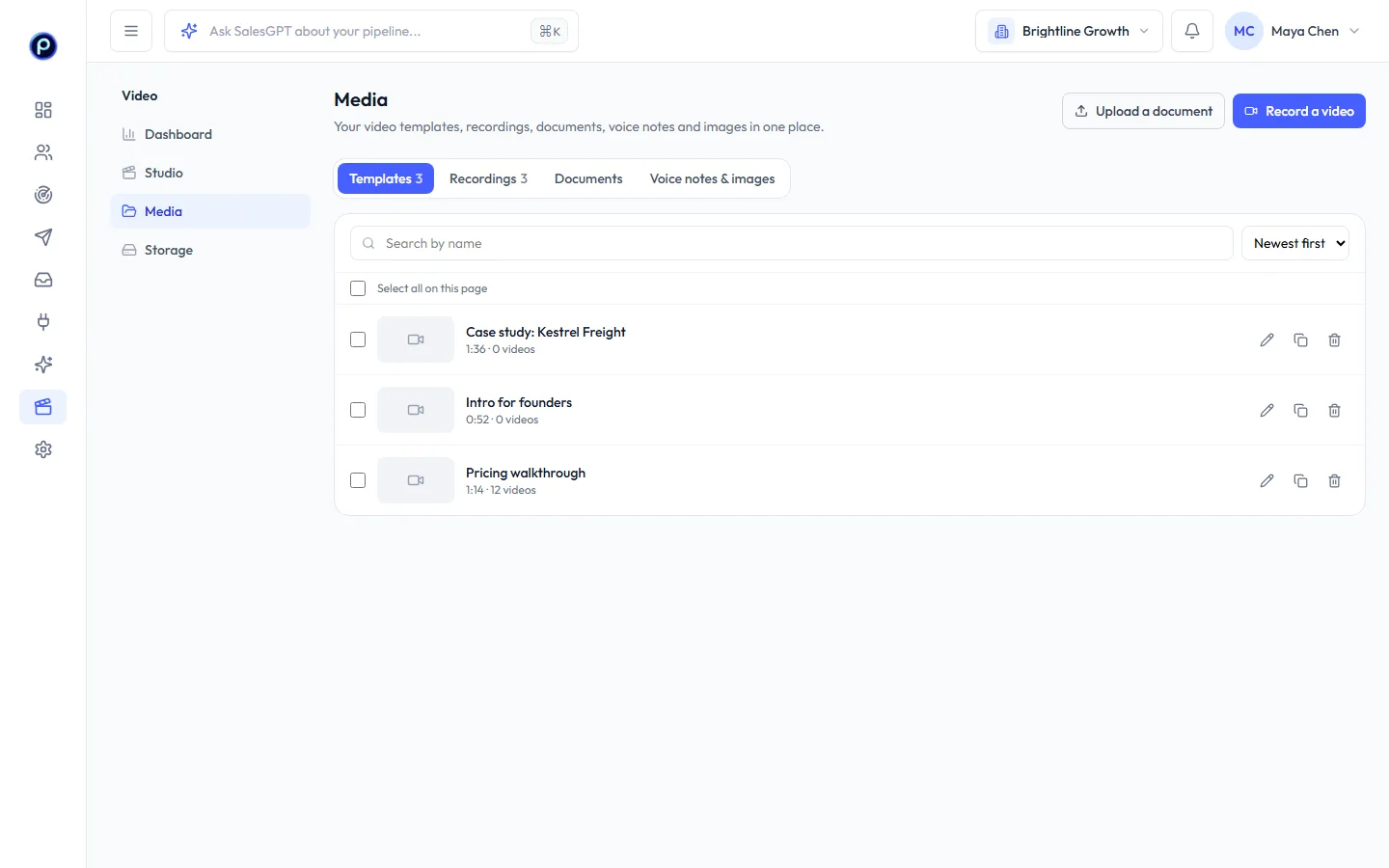
- Search by name and sort by newest, largest or name. Long lists are split into pages.
- Tick items, or Select all on the page, and Delete selected. Anything a campaign still uses is skipped and listed, so a live campaign never loses its media.
- Upload a document to record over a deck or PDF, or Record a video to open Studio.
Storage#
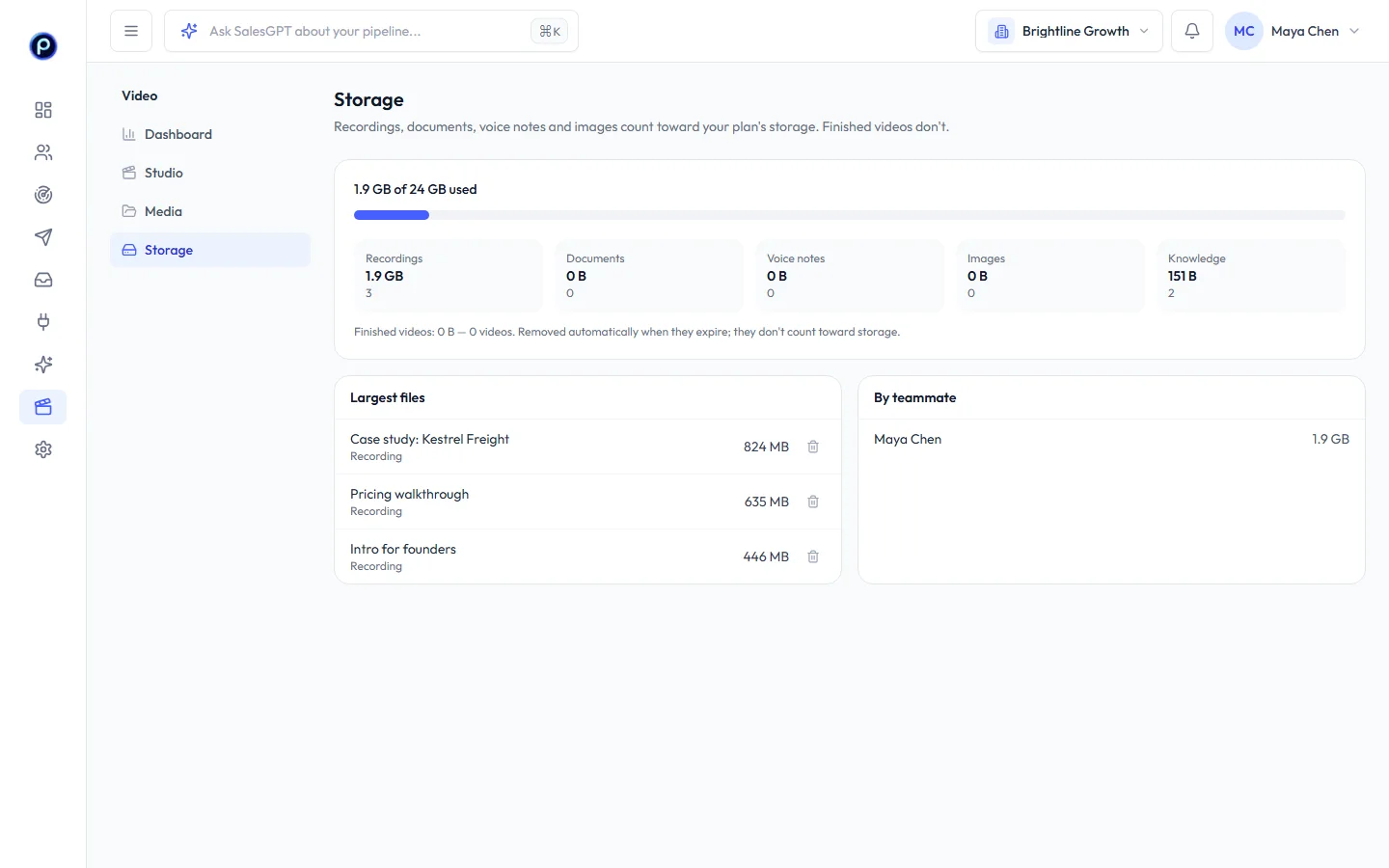
Video → Storage shows how much of your plan's storage you use, by type, with your largest files and recordings you haven't used in 90 days. Finished personal videos don't count toward storage; they're removed when they expire.
Results#
Video → Dashboard shows how your personal videos are watched: videos sent, play rate, average watched, watched to the end, button clicks, replies after watching and credits used, with a comparison to the previous period.
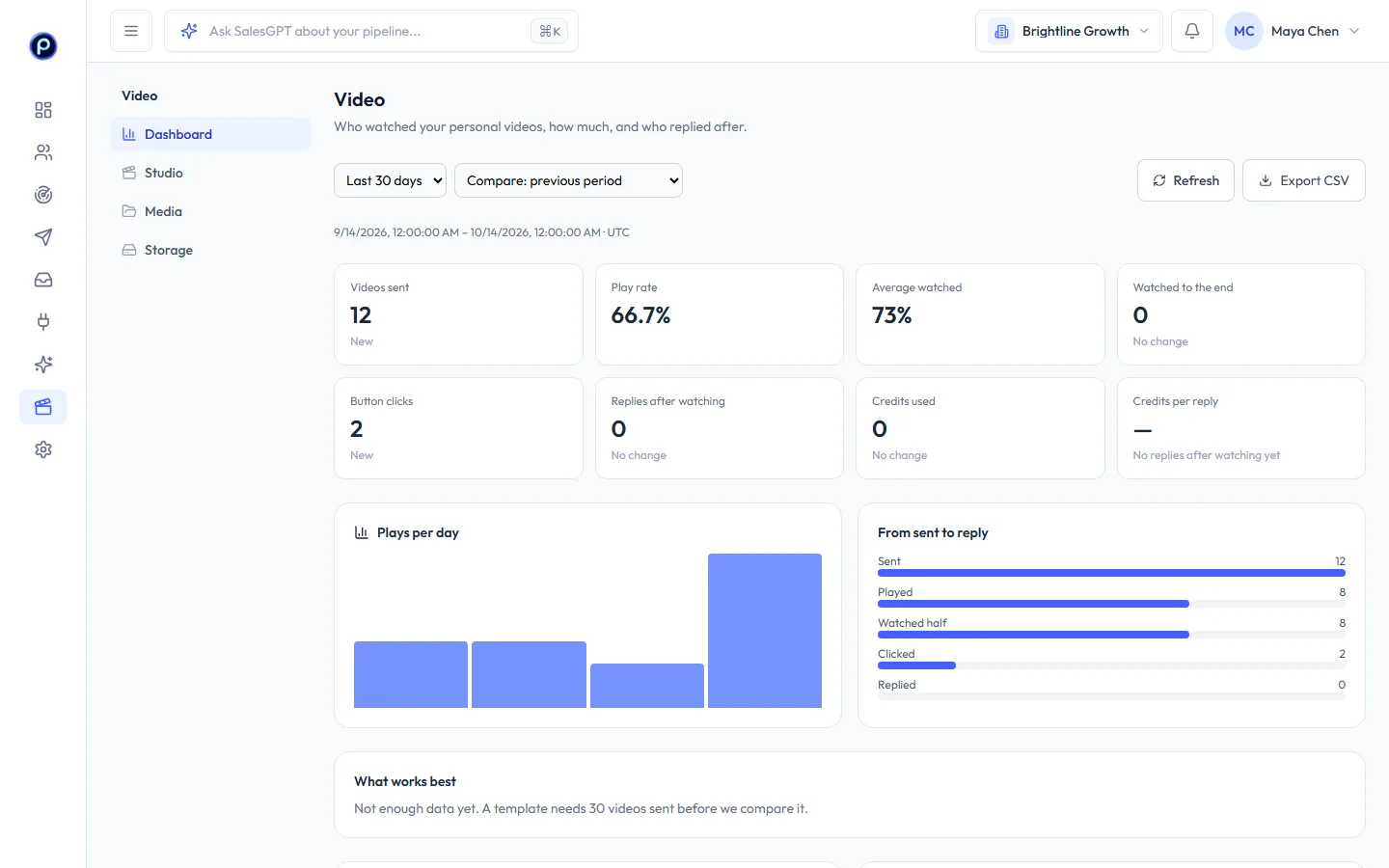
- Pick a range and a comparison, and filter by campaign, template or quality.
- What works best compares templates once a template has 30 videos sent.
- Export CSV downloads the table.
Owners and admins see the whole workspace; members see the videos from their own campaigns and batches.










