


On this page
Agents do a job for you on a schedule or when something happens: find people who fit, qualify them against your ideal customer, write personal first lines, draft replies, or collect people who turned high intent. You decide what needs your approval. Messages, launches and changes in other apps always wait for you.
Agents come with the Penny Agents plan (5 agents), Penny SDR (10) and Penny SDR All-in (20).
Create an agent#
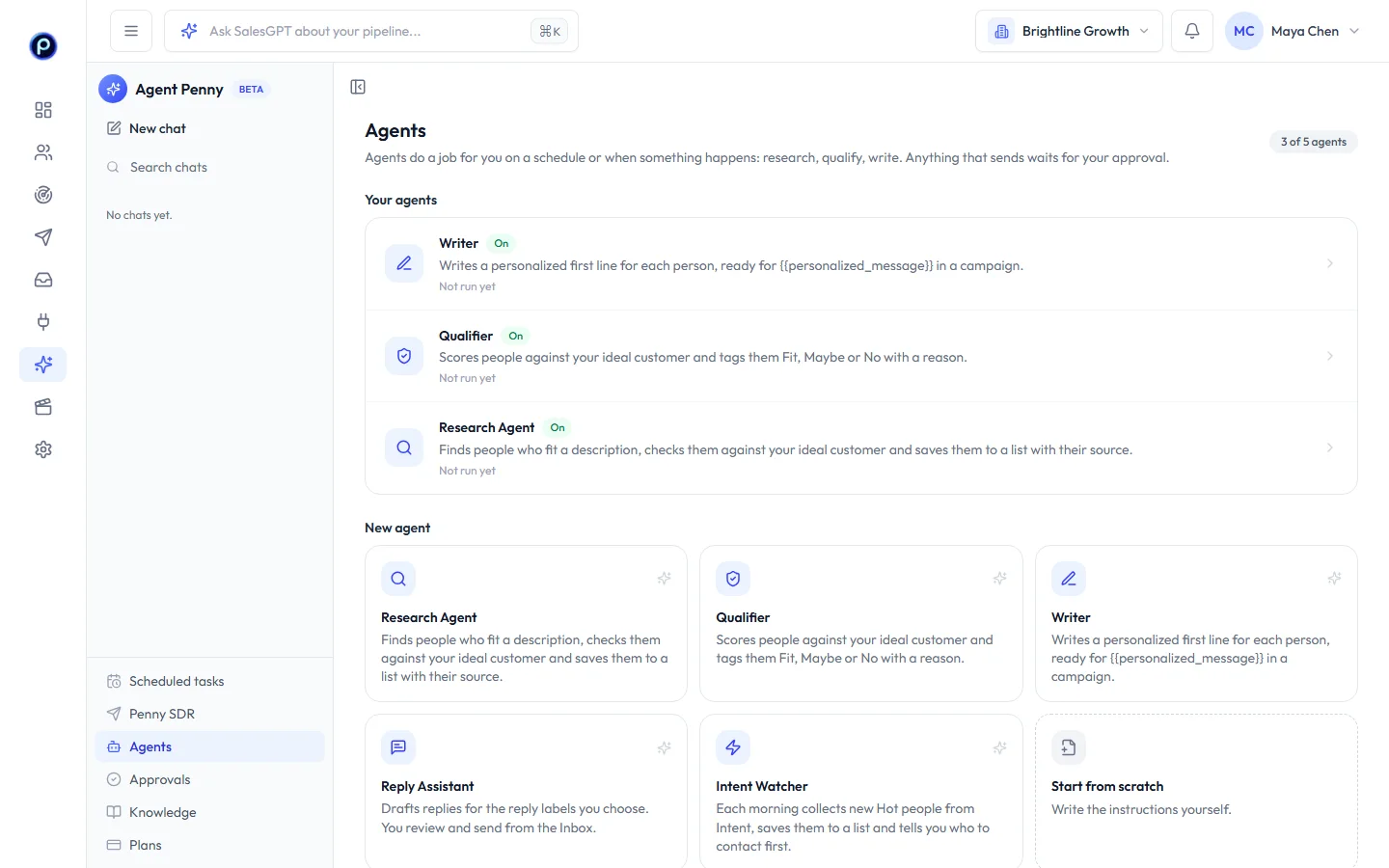
Go to Agent Penny → Agents and pick a template, or Start from scratch. You can change everything afterwards.
| Template | What it does | Runs |
|---|---|---|
| Research Agent | Finds people who fit a description on LinkedIn and in Intent, checks them against your ideal customer and saves them to a list with where each came from | When you run it |
| Qualifier | Scores people against your ideal customer and tags them Fit, Maybe or No with a reason | When people are added to a list |
| Writer | Writes a personal first line for each person, ready for {{personalized_message}} in a campaign | When you run it |
| Reply Assistant | Drafts replies for the reply labels you choose. You review and send from the Inbox | When a labelled reply comes in |
| Intent Watcher | Each morning, saves new Hot people from Intent to a list and tells you who to contact first | Every weekday morning |
Set it up#
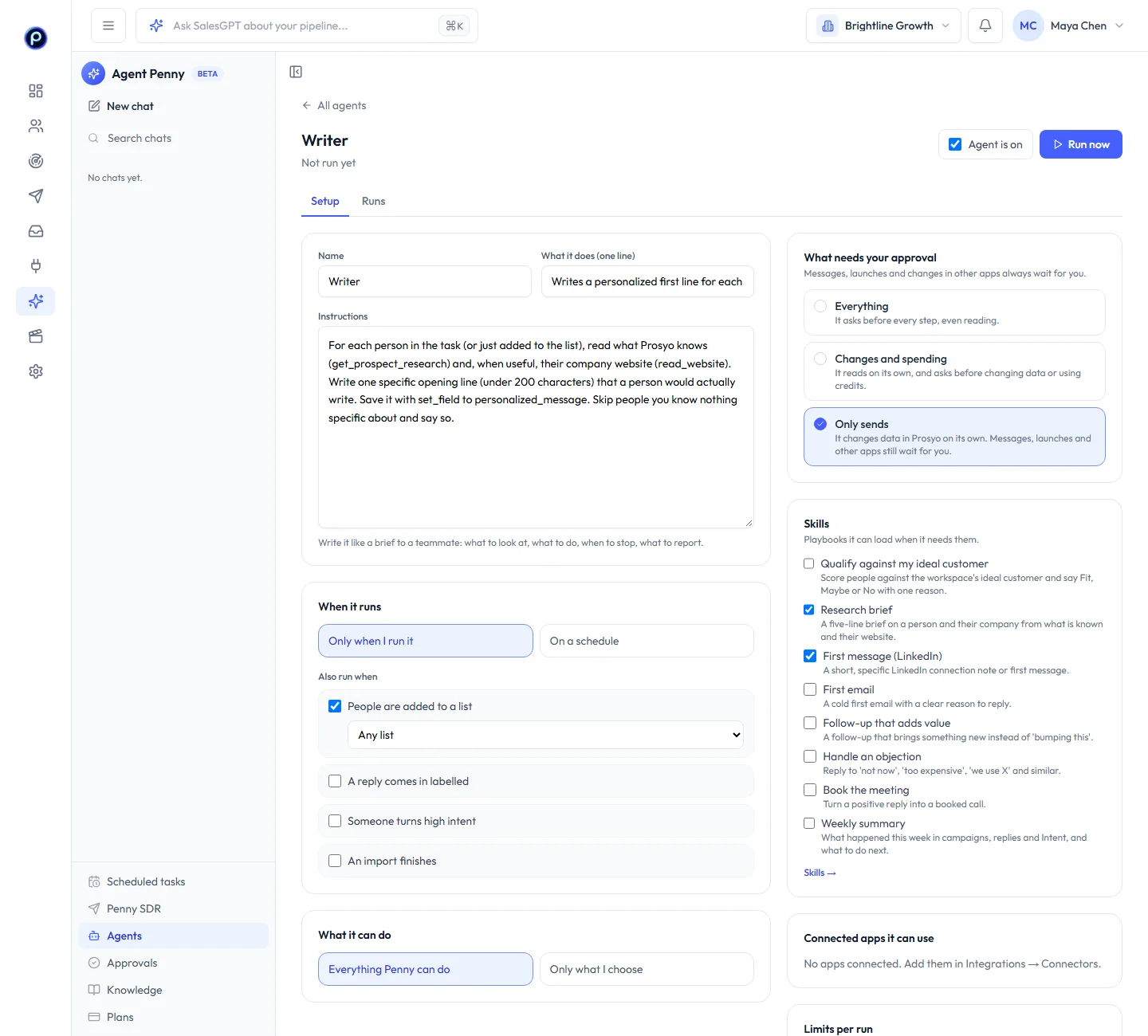
- Instructions: write them like a brief to a teammate: what to look at, what to do, when to stop and what to report.
- When it runs: only when you run it, or on a schedule (every day, weekdays, or a day each week at a time you choose). It can also run when people are added to a list, a reply comes in with a label (Interested, Question, Objection…), someone turns high intent, or an import finishes.
- What needs your approval:
- Everything: it asks before every step, even reading.
- Changes and spending: it reads on its own, and asks before changing data or using credits.
- Only sends: it changes data in Prosyo on its own (saves people, tags, fills fields). Messages, launches and other apps still wait for you.
- What it can do: everything Penny can do, or only the actions you tick.
- Skills: short playbooks the agent loads when it needs them, like Qualify against my ideal customer or Book the meeting. Make your own in Skills.
- Connected apps: the connectors it may use.
- Limits per run: the most steps and credits one run may use. A run pauses when it reaches either; you can continue it.
Click Save, then Run now to try it. Add a task for this run, or leave it empty to follow the instructions.
Follow a run#
Every run has a page with what it did in plain words, credits per step, and anything waiting for you. Approve or decline right there. A paused run (it hit its limits or ran out of credits) has Continue; any run can be stopped.
You get a notification when a run finishes, stops, or needs your approval.
Approvals#
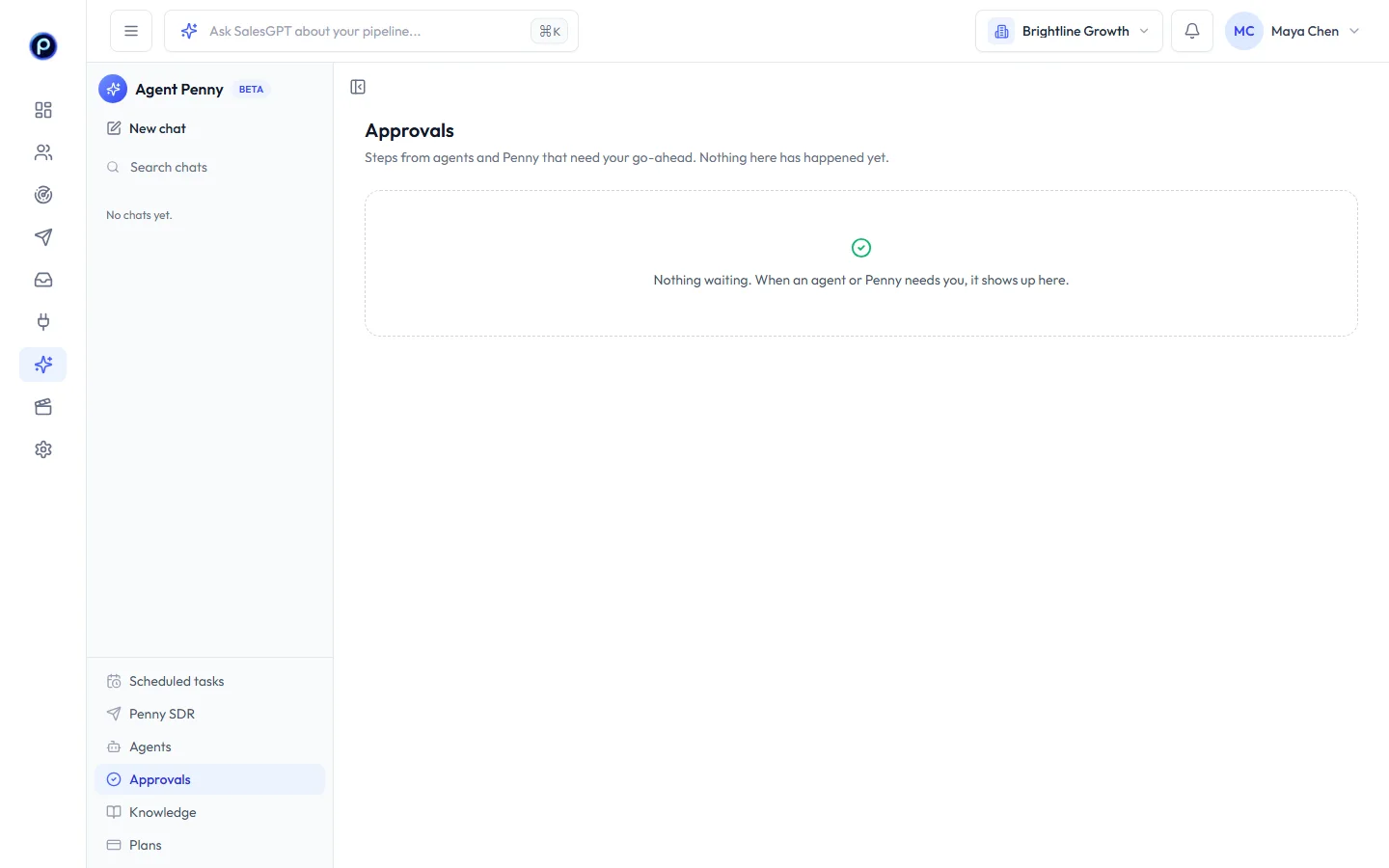
Agent Penny → Approvals lists every step waiting for a go-ahead from your agents and your Penny chats. Nothing in it has happened yet. Select several and Approve or Decline them at once. Declining a step ends that run.
Skills#
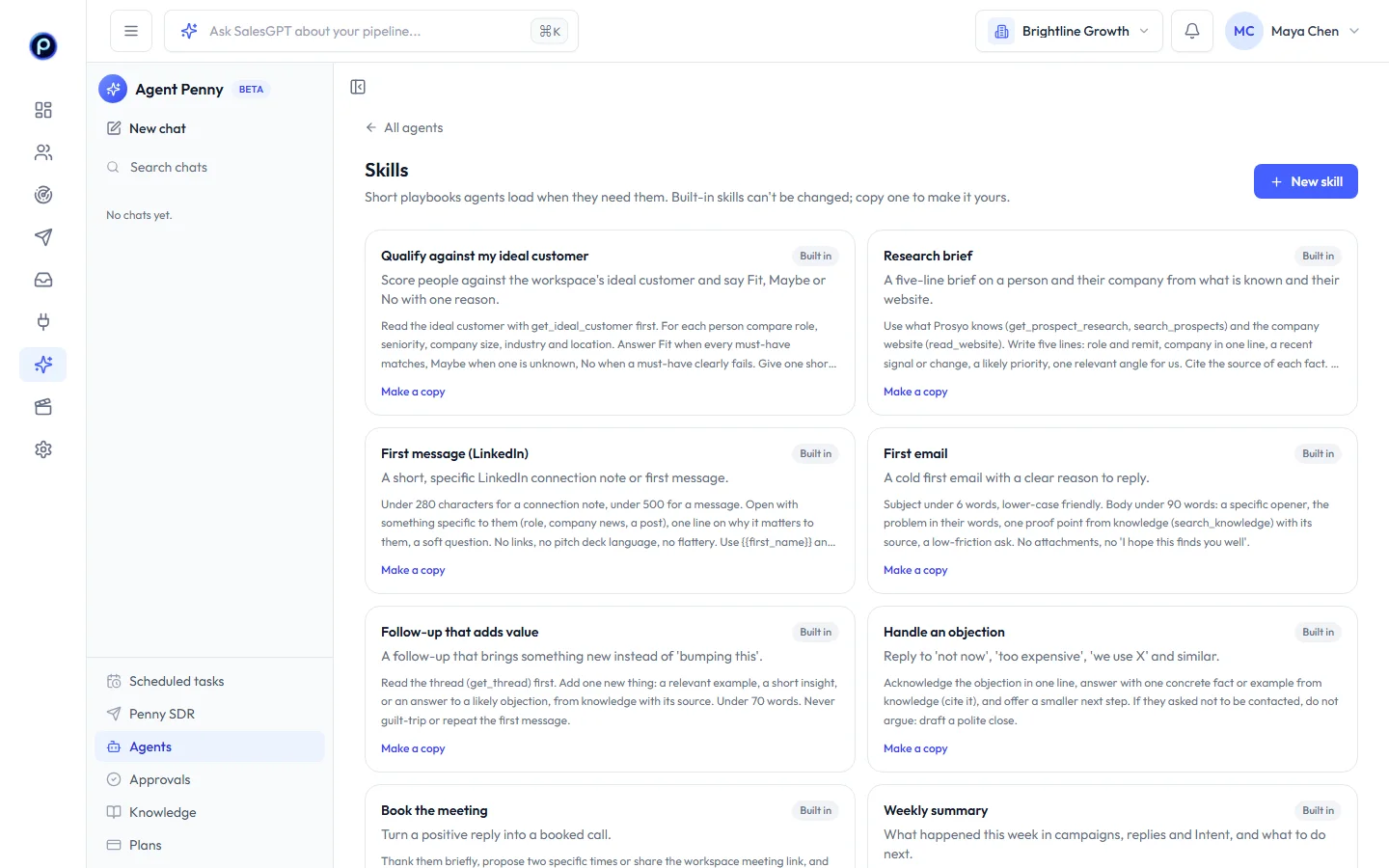
Agents → Skills shows the eight built-in skills and your own. Built-in skills can't be changed; Make a copy to start your own version. A workspace can keep up to 50 skills.
Credits and limits#
Agent steps use credits like Penny questions. Each run stops at its credit limit, so a run can never use more than you allowed. Up to two runs are active at a time per workspace; others wait their turn.










