AI Sales
October 24, 2026
20 min read



Most LinkedIn outreach fails for a boring reason: the sequence keeps going after the prospect already replied.
You spent time finding the right people. You wrote a decent opener. Someone finally says “interested” or asks a real question—and your automation fires the next follow-up like nothing happened. That is how you turn a warm conversation into spam, and how you teach yourself to ignore your own inbox.
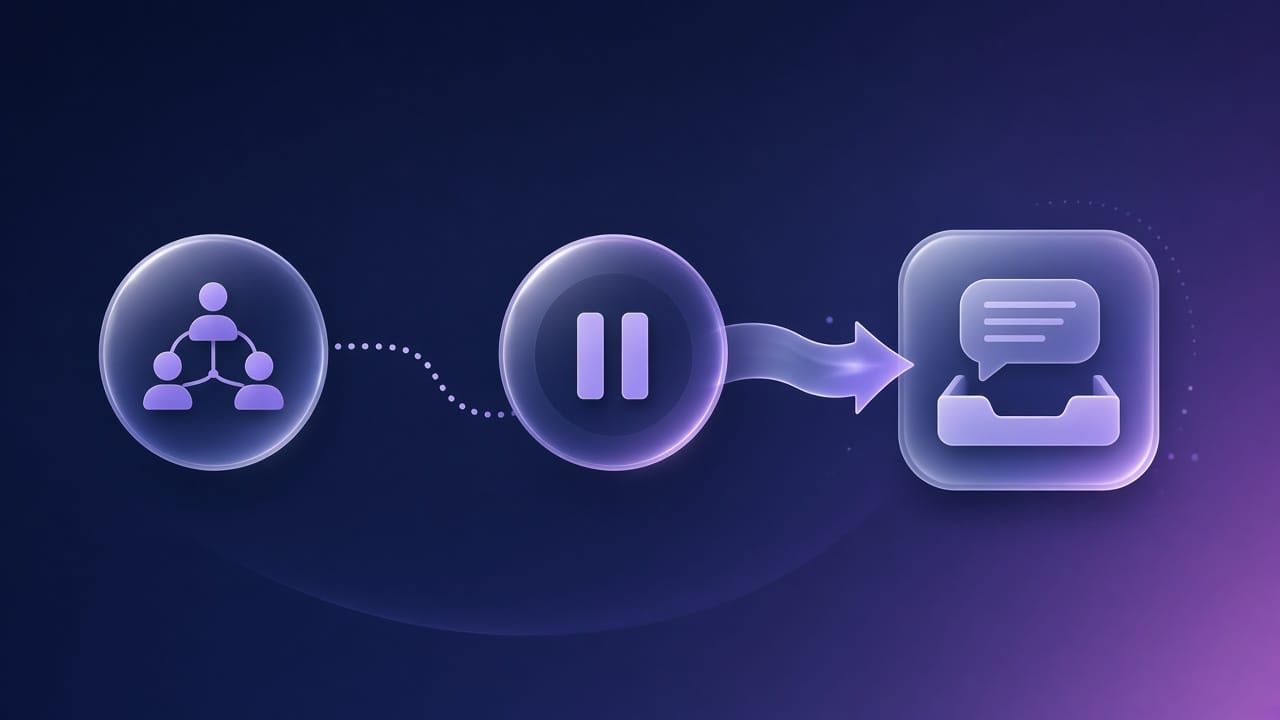
A modern LinkedIn outreach sequence should do one job well: create conversations. The moment a reply arrives, the campaign should pause so a human can work the thread—qualify, answer, and book the meeting. That is the difference between “activity” and pipeline.
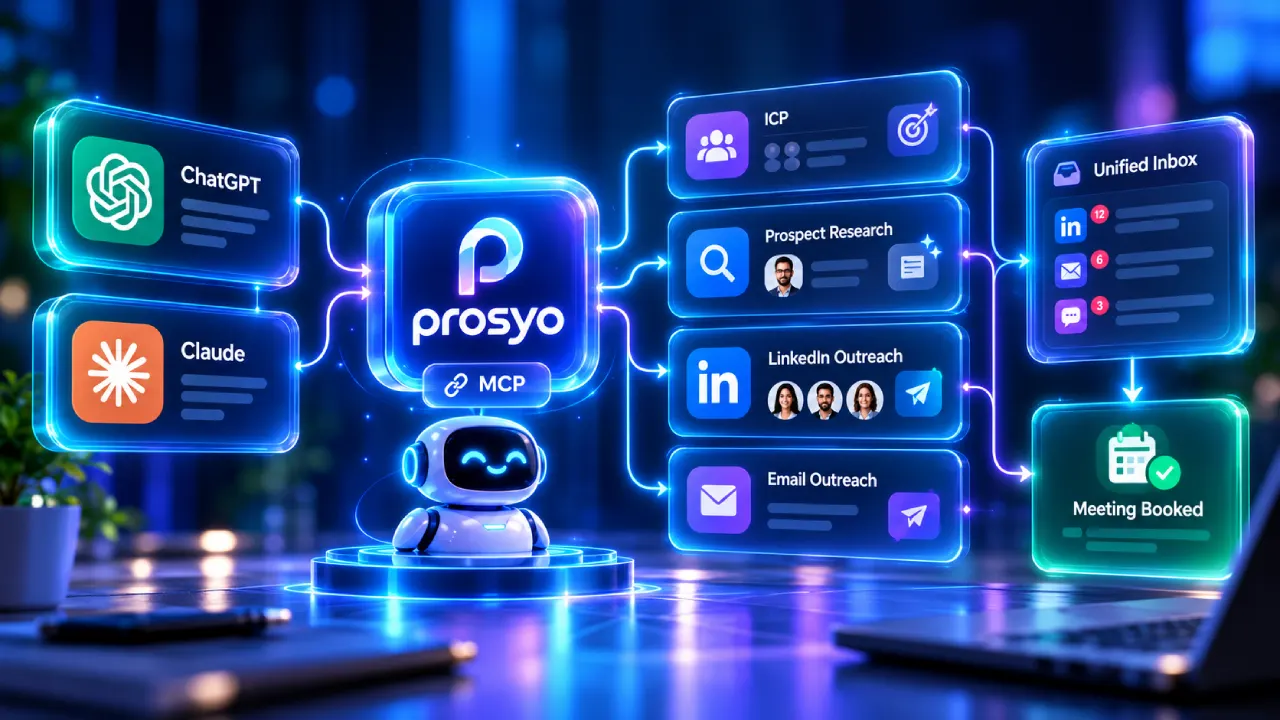
This guide walks through how to design a LinkedIn sequence that stops on reply, what to put in each step, how to keep personalization honest, and how Prosyo’s outbound workspace is built around that handoff from sequence → unified inbox → meeting.
LinkedIn is a relationship channel. People tolerate one thoughtful message. They do not tolerate a robot that keeps talking after they answered.
When a sequence does not pause on reply, three things break:
Sales engagement platforms have treated reply detection as table stakes for years because reply-based branching is how you protect conversations. LinkedIn outreach deserves the same discipline: auto-pause (or stop) when a response lands, then move the work into an inbox built for outbound—not a pile of browser tabs.
If you want a simple scoreboard for whether your sequence design is healthy, track interested replies and meetings booked—not vanity send volume.
Personalization cannot fix a bad list. If you sequence 2,000 random “Heads of Sales,” your stop-on-reply logic will still fill the inbox with noise.
Before you build steps:
Prosyo is built ICP-first: find the right buyers, then personalize, then run LinkedIn (+ email when you are ready). If you need a starting point, use the free ICP generator and tighten the output before import.
External framing that still holds up: HubSpot’s ICP guidance stresses defining who you sell to before you scale outreach motion—not after copy fails. See HubSpot’s overview of ideal customer profiles for a clean checklist you can adapt.
A good default LinkedIn outreach sequence is short enough to respect limits and clear enough to create a reason to reply.
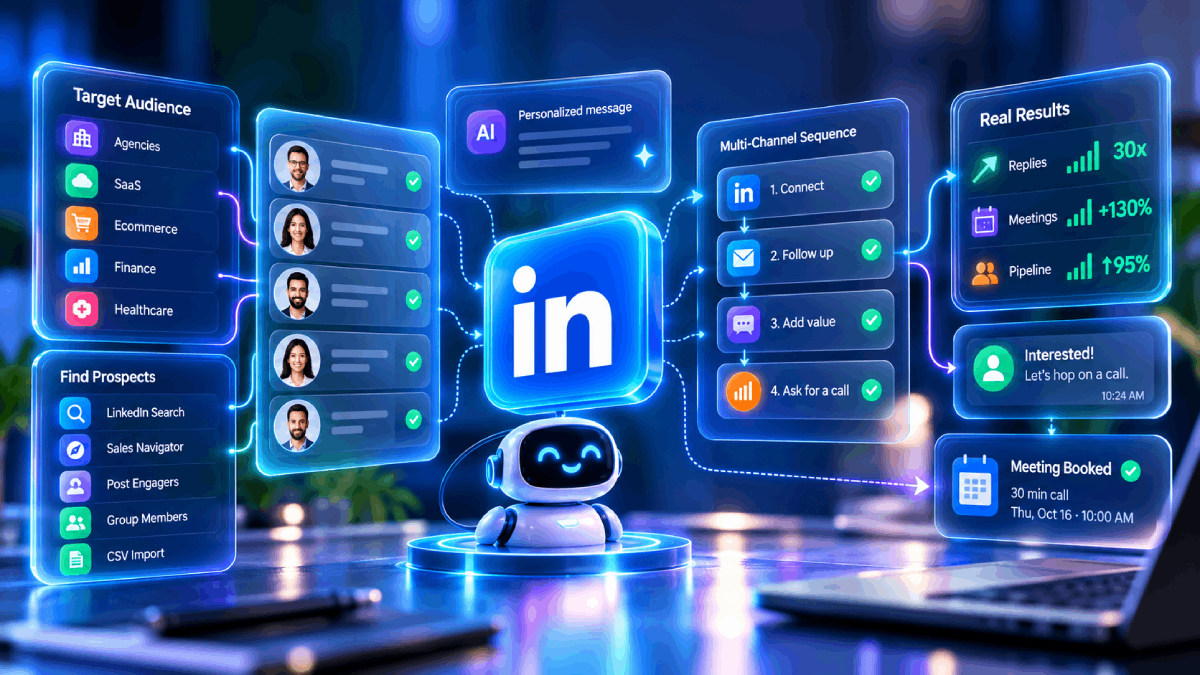
Prosyo campaigns are designed around that flow: LinkedIn sequence steps with delays, then replies worked in one outbound inbox so interested threads become meetings—not another follow-up spam cycle.
For platform norms on connection and messaging behavior, treat LinkedIn’s own professional community guidelines and limits as constraints—not suggestions. Build sequences that look human because they are paced and reply-aware.
Blank-page syndrome is real. AI icebreakers and first-line drafts help you move faster from ICP to a sendable message. The mistake is treating AI output as auto-send.
Best practice for LinkedIn outreach sequences:
That matches how Prosyo positions AI in the product: assistance with human control. You stay accountable for what hits someone’s LinkedIn inbox.
If you want a free warm-up for openers, try Prosyo’s LinkedIn icebreaker generator—then paste into the sequence only after you edit.
You do not need a perfect multichannel stack on day one. Many teams should start LinkedIn-first: connect, message, pause on reply, book from inbox. When you are ready, add email touches into the same outbound motion so follow-ups do not live in a separate tool.
Prosyo’s framing is intentional: connect LinkedIn in minutes; add email when you want multichannel—without rebuilding your whole process. See pricing for Starter vs Multichannel if you are choosing when to add the email seat.
For a deeper comparison of when LinkedIn-only tools fall short versus a LinkedIn + email workspace, read Multichannel vs LinkedIn-only outreach tools and the live compare hub at Prosyo.
A sequence that stops on reply only pays off if your team actually works the replies.
Operational checklist:
That is the Prosyo aha path in customer language: Find ICP → Personalize (you approve) → Run LinkedIn (+ email when connected) → Work replies in one inbox → Book meetings.
If your “inbox” is still LinkedIn + Gmail + a spreadsheet, stop-on-reply in the sequencer will feel incomplete. Unify the reply surface.
Too many steps. Five thoughtful touches beat twelve needy ones.
Generic follow-ups. “Just checking in” teaches people to ignore you. Add a new reason: insight, asset, or question.
Ignoring accept-vs-reply. Connection acceptance is not interest. Message quality still matters after accept.
No pause logic. If you cannot stop on reply, you are not running a conversation system—you are running a spray can.
Optimizing sends. Meetings booked and interested replies are the north star. LinkedIn already pushes professional authenticity; your automation should reinforce that, not fight it. LinkedIn’s help resources on messaging and professional mode are useful constraints when you set daily pacing.
Ready to start? Start your 7-day free trial — no credit card theater required for eligible plans. Or see pricing if you want Starter vs Multichannel clarity first.
Ready to run this the right way? Start 7-Day Free Trial · See Pricing
New courses, plays that are booking meetings right now and the occasional teardown. No fluff, unsubscribe any time.
7 days free, no card. Pay later and change your mind? Full refund within 7 days.